
Snapchat, one of the most popular social media platforms worldwide, has revolutionized the way people interact with friends, family, and even strangers. It offers users the ability to share photos, videos, and messages that disappear after being viewed, making it a fun and engaging app. One of the key features of Snapchat is the concept of adding and accepting friends. But what does it mean to accept a friend on Snapchat? Let’s dive into this feature and explore its significance.
Table of Contents
ToggleUnderstanding Snapchat Friend Requests
Before we get into what it means to accept a friend on Snapchat, it’s important to understand the basics of the friend request system on the platform.
When you create an account on Snapchat, you can add people by searching for their usernames or scanning their Snapcodes. Users can send friend requests to others, and those requests can either be accepted, rejected, or ignored. The process of accepting a friend request is a key part of how Snapchat builds its social network, and it determines how you can interact with another user on the platform.
What Happens When You Accept a Friend on Snapchat?
When you accept a friend request on Snapchat, you’re essentially granting someone permission to see your private Stories, Snap your photos or videos, and chat with you via the messaging feature. Here’s what happens when you accept someone:
- Mutual Access to Stories: By accepting a friend, you give them access to your private stories, which are only visible to your Snapchat friends. You also gain access to their stories if they make them visible to friends.
- Snap and Chat Privileges: Once you accept the request, you can send Snaps (images or videos) directly to them, and they can do the same with you. Chat conversations become available, allowing for a more personalized and interactive communication experience.
- Your Snapchat Score: Each user has a “Snapchat Score,” which increases as they send and receive Snaps. By accepting a friend, you contribute to each other’s scores, which is a fun way to track your activity on the app.
- Add to Your Snapchat Map: If both users have enabled the “Snap Map” feature, accepting someone as a friend might allow them to view your location (depending on your privacy settings). Likewise, you can see their location if they share it.
The Benefits of Accepting Friends on Snapchat
Accepting friends on Snapchat comes with many perks. Here are some of the key benefits:
- Increased Social Connectivity: Snapchat is a social platform, so accepting friends helps you expand your network. Whether it’s reconnecting with old friends or making new ones, this feature allows you to build relationships online.
- Customizable Privacy Settings: You have control over who sees your Stories, location, and who can interact with you. When you accept someone as a friend, you can adjust your privacy settings to restrict or permit access to certain features.
- Exclusive Content: Accepted friends can access your personal stories and content that you don’t necessarily share with the general public. This makes Snapchat a more intimate platform where you can share moments with a close-knit group.
- Interactive Features: Snapchat includes interactive features like Bitmoji, filters, and lenses that you can enjoy with friends. You can even use these features in group chats to enhance communication and have fun.
- Safety and Trust: By accepting a friend request, you implicitly show trust in that person. It’s a way to build a more secure and authentic connection with people you know or are comfortable interacting with.
Read More Also: Tech Gadgets to Make Your Home More Energy Efficient
What to Consider Before Accepting a Friend Request
While accepting friend requests on Snapchat can be an exciting way to connect with others, it’s important to be cautious and mindful. Here are a few considerations to keep in mind:
- Privacy Concerns: Remember that by accepting someone as a friend, you are granting them access to certain personal information, including your Stories and possibly your location. Before accepting requests from strangers, think about how comfortable you are with sharing this information.
- Spam or Fake Accounts: Snapchat, like many social platforms, can be a breeding ground for spam or fake accounts. If someone you don’t recognize sends a request, be cautious. It’s a good idea to check their profile for authenticity before accepting.
- Avoiding Unwanted Attention: If you accept a friend request from someone you know, but you start receiving excessive or uncomfortable messages, you can always remove them as a friend or block them altogether. Snapchat provides tools to manage interactions with others.
- Parental Considerations: For younger users, parents should be aware of who they are connecting with on Snapchat. It’s important to talk about online safety and the importance of only accepting requests from people they know personally.
How to Accept a Friend Request on Snapchat
If you’re new to Snapchat or simply need a quick refresher, here’s a simple guide on how to accept a friend request:
- Open Snapchat: Launch the app on your smartphone.
- Go to the Profile Page: Tap on your Bitmoji or profile icon at the top-left corner of the screen.
- Check for Friend Requests: If you have any pending friend requests, you’ll see a notification with the number of requests at the top of your profile.
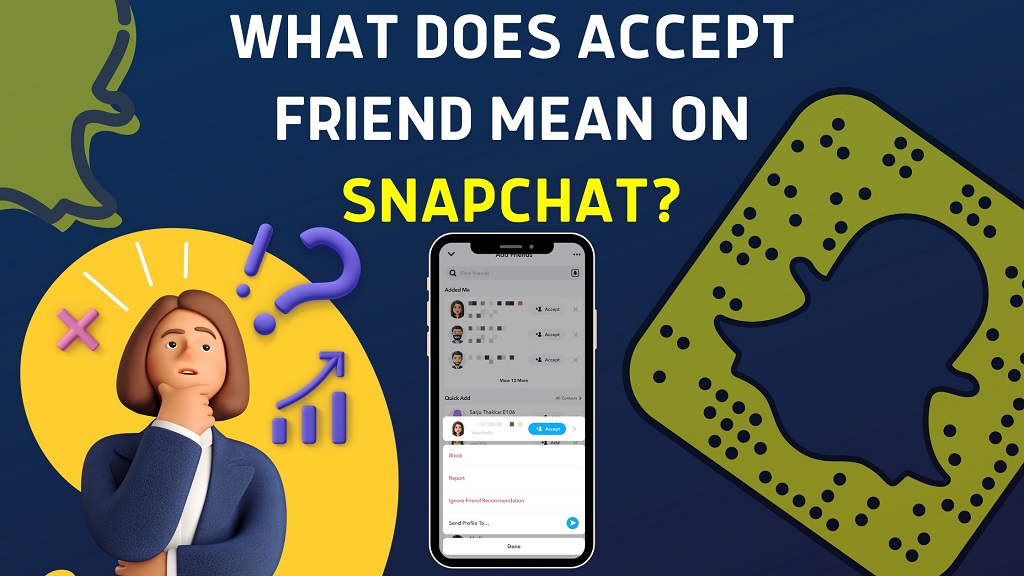
- Review the Request: Tap on the “Add Friends” button to view the incoming requests.
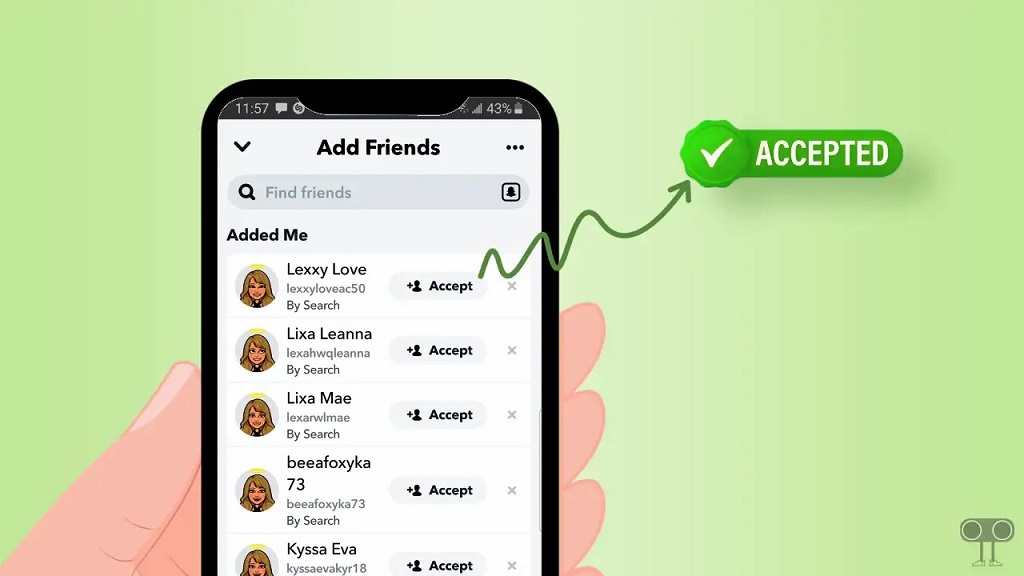
- Accept the Request: Next to each pending request, you’ll see an option to either add them as a friend or ignore the request. Simply tap “Add” to accept.
FAQ
Q1: Can I accept someone on Snapchat without them knowing?
- No, when you accept someone on Snapchat, they will be notified that you’ve added them as a friend. However, you can control how much they can see or interact with through privacy settings.
Q2: How do I remove someone after accepting their friend request?
- If you want to remove someone as a friend after accepting their request, you can go to their profile, tap the settings gear icon, and select “Remove Friend” or “Block.”
Q3: Does accepting a friend on Snapchat allow them to see my location?
- If your location is shared on the Snap Map and they are accepted as a friend, they will be able to see your location. You can adjust this feature in your privacy settings.
Q4: How do I stop getting friend requests from people I don’t know?
- You can adjust your settings to only allow people you know or have added as contacts to send you friend requests. Go to your settings and select “Who Can Contact Me” to modify this.
Conclusion
Accepting a friend on Snapchat is more than just a simple social gesture – it’s a gateway to more personalized communication, exclusive content, and a deeper level of engagement with the people you know (or want to know) on the platform. Whether you’re reconnecting with old friends or expanding your social circle, the process of accepting a friend request plays a critical role in shaping your Snapchat experience. However, always consider your privacy and safety before accepting strangers, and use Snapchat’s privacy settings to control who can see your content and interact with you. This ensures that you can enjoy the app while keeping your personal information safe.